Check the evidence
Inspect supporting passages, verify facts and independently assess legal authorities before using the output.
Read the material. Develop the analysis. Refine the draft. Keep the matter and its conversations connected along the way.
Upload legal documents and organize them into collections. Bring selected files into a conversation to ask focused questions, prepare summaries and locate supporting passages.

Explore an issue, ask a follow-up or request a summary. Inspect available citations and source excerpts as you assess the response.
Coverage varies by source and configuration. Source references do not establish that a proposition is correct or an authority remains good law.
Section 8.2 states that either party may end the agreement with 30 days' written notice. 1
Follow the reference. Read the passage. Assess it in context.
Either party may end this agreement by giving 30 days' written notice.
Keep the underlying document close to the answer you're reviewing.
Prepare correspondence, demand letters, discovery drafts, outlines and summaries using guided prompts. Edit the result alongside the conversation, manage saved versions and export to Word or PDF.
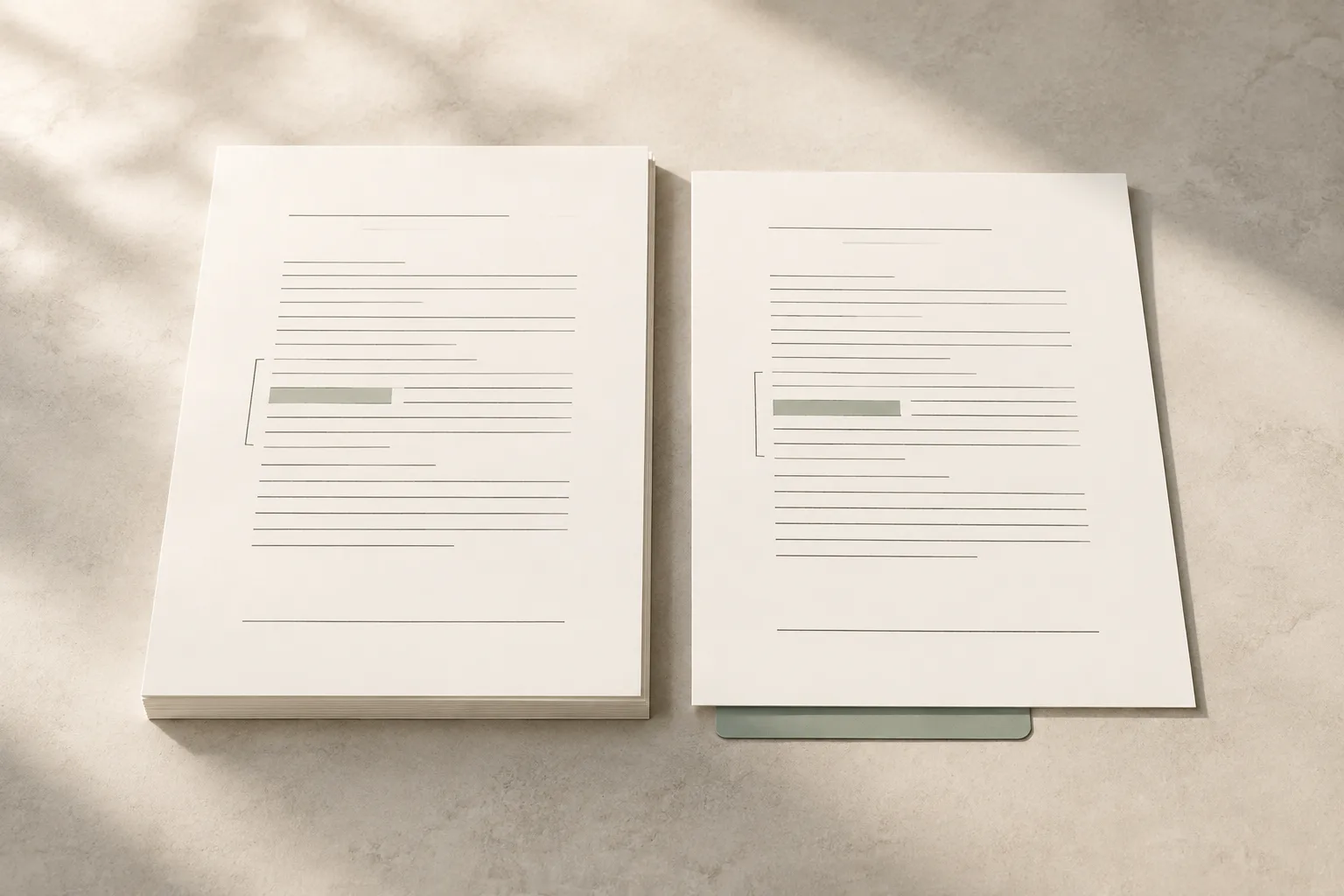
Comparison supports a focused review; it does not replace a complete redline or establish that every difference has been identified.
Organize client and matter records, connect documents and conversations, and invite clients into a firm-branded portal for the work you share.
BriefWise supports matter collaboration alongside your existing practice systems.

Upload directly or connect supported cloud storage. Use OneDrive and Google Drive to bring relevant documents into BriefWise.
Provider permissions and setup affect availability. We'll walk through your sources and requirements during the demo.
Choose the material relevant to your question or matter.
Inspect supporting passages, verify facts and independently assess legal authorities before using the output.
Use sharing controls and the firm's review workflows for client documents, held AI responses and activity digests.
Walk through access settings, recorded activity and data-handling requirements before choosing how to introduce BriefWise at your firm.
Walk through document review, drafting and client collaboration with us. Start with the workflow that matters to your firm.